
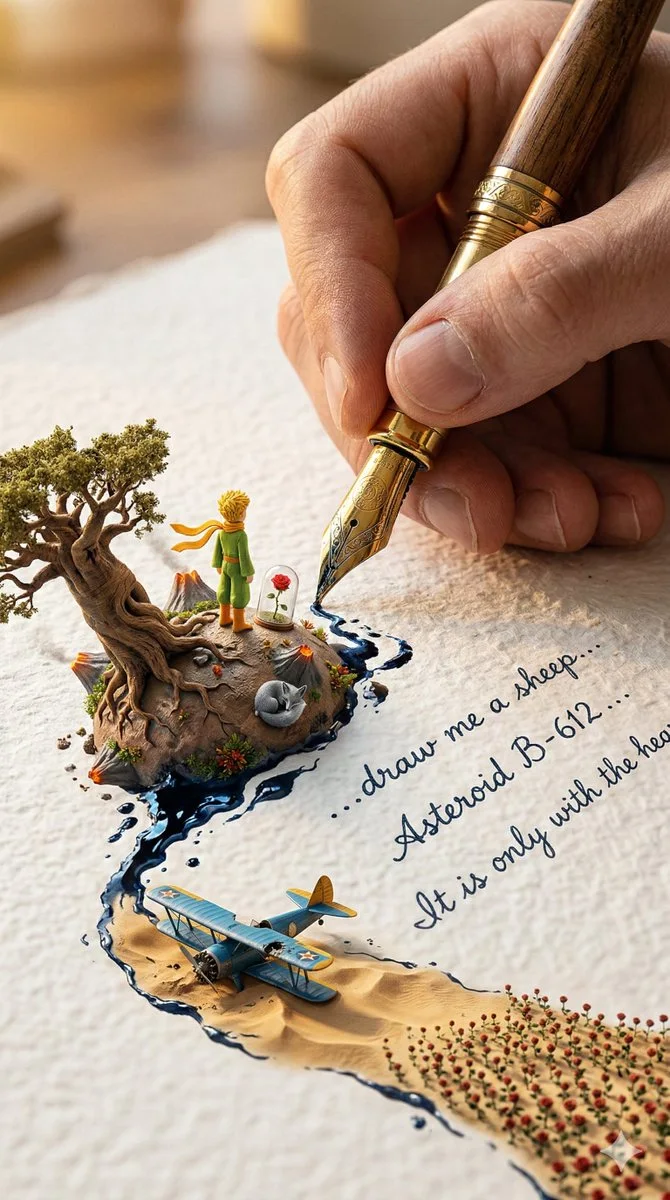
 10:00 AM

 Every story starts with one line.
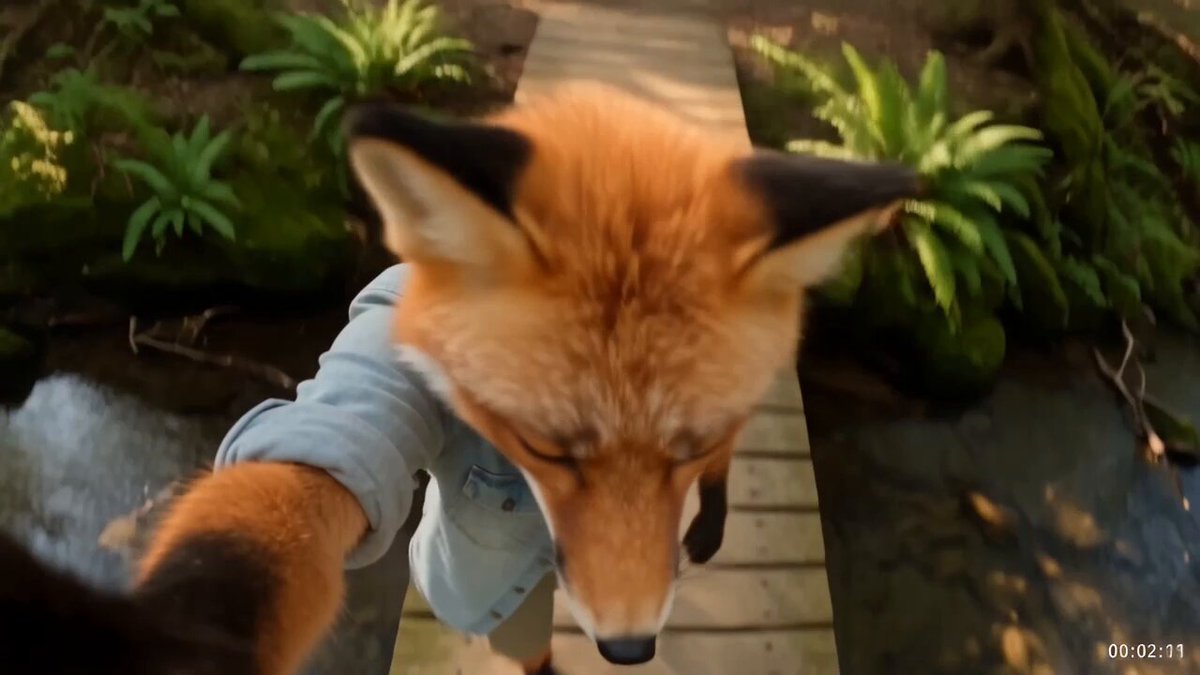 6:30 PMMorning walk with the crew.
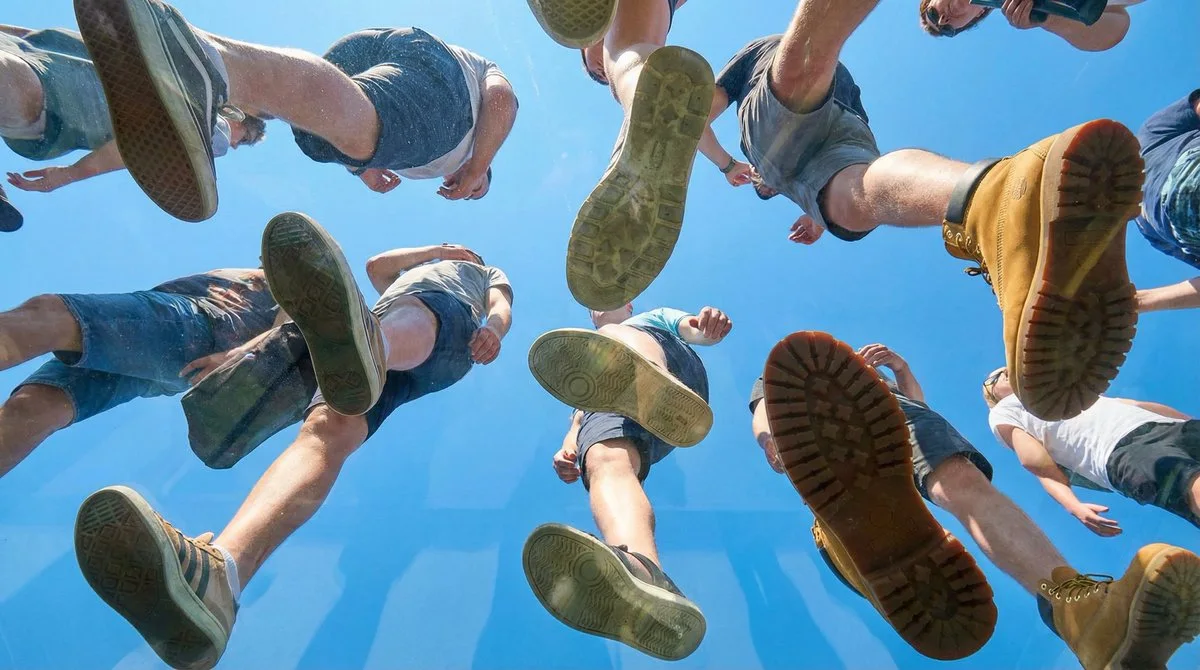 12:00 PMSummer starts on the glass bridge.
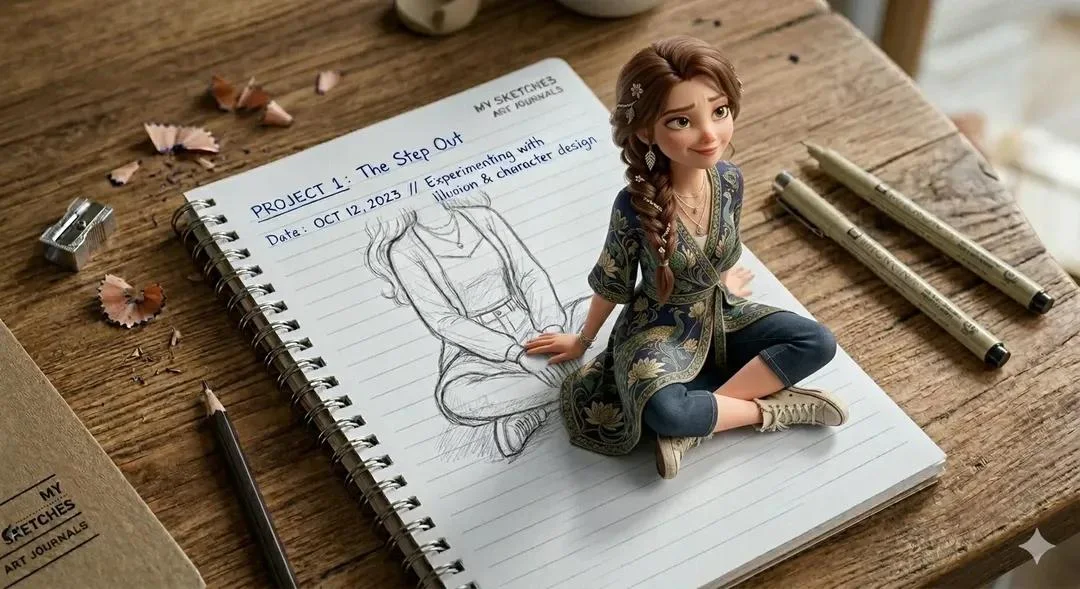 9:00 AMOur new notebooks are here.
 5:00 PMNew board game, out this Sunday.Facebook PageInstagramPictures, videos and carousels
From idea to post.
Create or pick a visual
Write the caption
Post now or schedule


linenday Soft linen for slow afternoons. Our new linen tees are in the shop now.
Every format your feed needs.
 Made with AI
 Made with AI
 Made with AI
Good post?
Make it an ad.
Send it to Meta AdsA few good questions.
Which social networks can I post to?
Facebook Pages and Instagram professional accounts (business or creator). Connect them once in Connections, then post to one or both from the same screen.
Can I schedule posts?
Yes. On Creator, Pro and Enterprise you can schedule posts up to 1 month ahead and plan them in a calendar. On Free you can post right away.
Can I post videos and carousels?
Yes. You can post pictures, videos and carousels of 2 to 10 pictures. Use what you made in the Image or Video Creator, a template, or your own files.
Does AI write the captions?
Yes. Write with AI looks at your picture and writes the caption, and you can edit it before posting. It is part of the Pro and Enterprise plans.
Do I need a Meta ad account?
No. Posting to your Facebook Page and Instagram works without an ad account. Connect Meta Ads only when you want to run ads.
How many social accounts can I connect?
Free includes 2 social accounts, Creator 6, Pro 30 and Enterprise has no limit.
Plan your next month of posts.
Start posting freeFrom our Templates collection · Creator credits
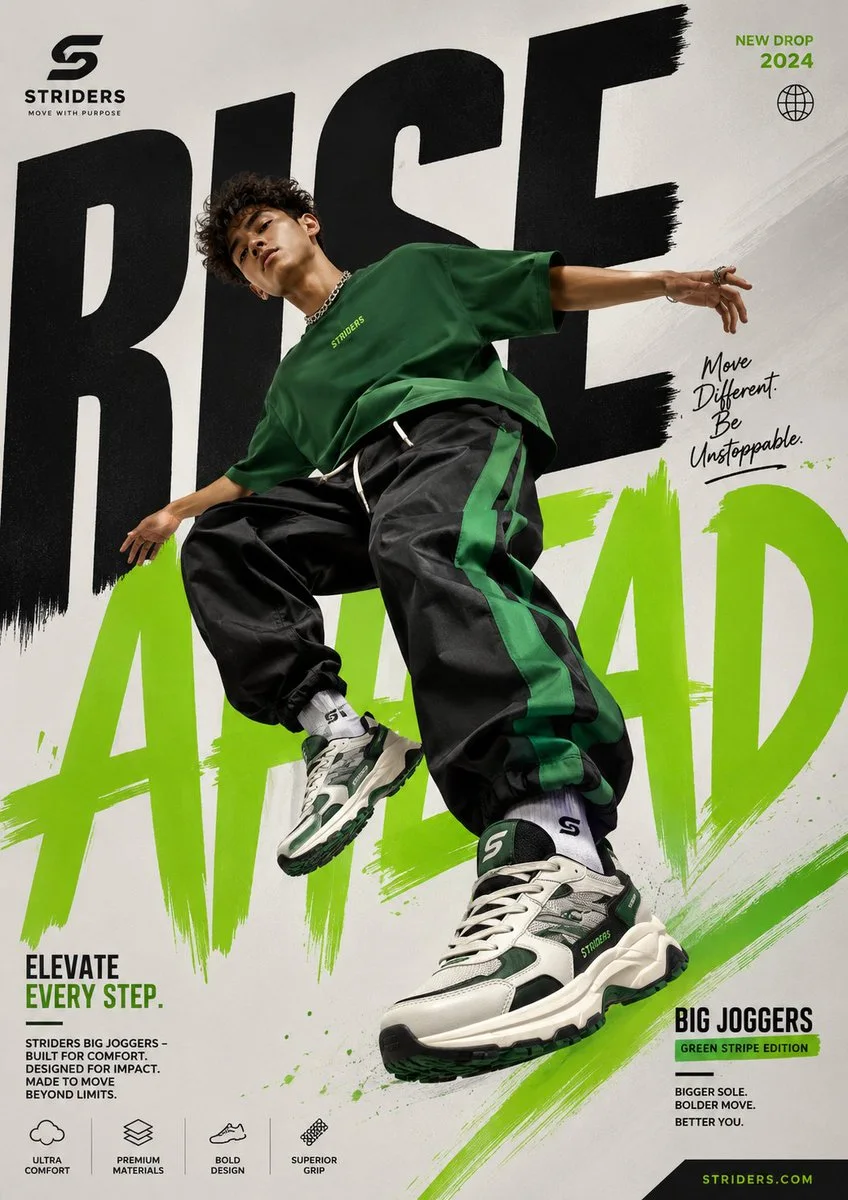
- Graphic shoe poster by Ozair AIGPT Image 2
- Skincare routine infographic by TechieSAGPT Image 2
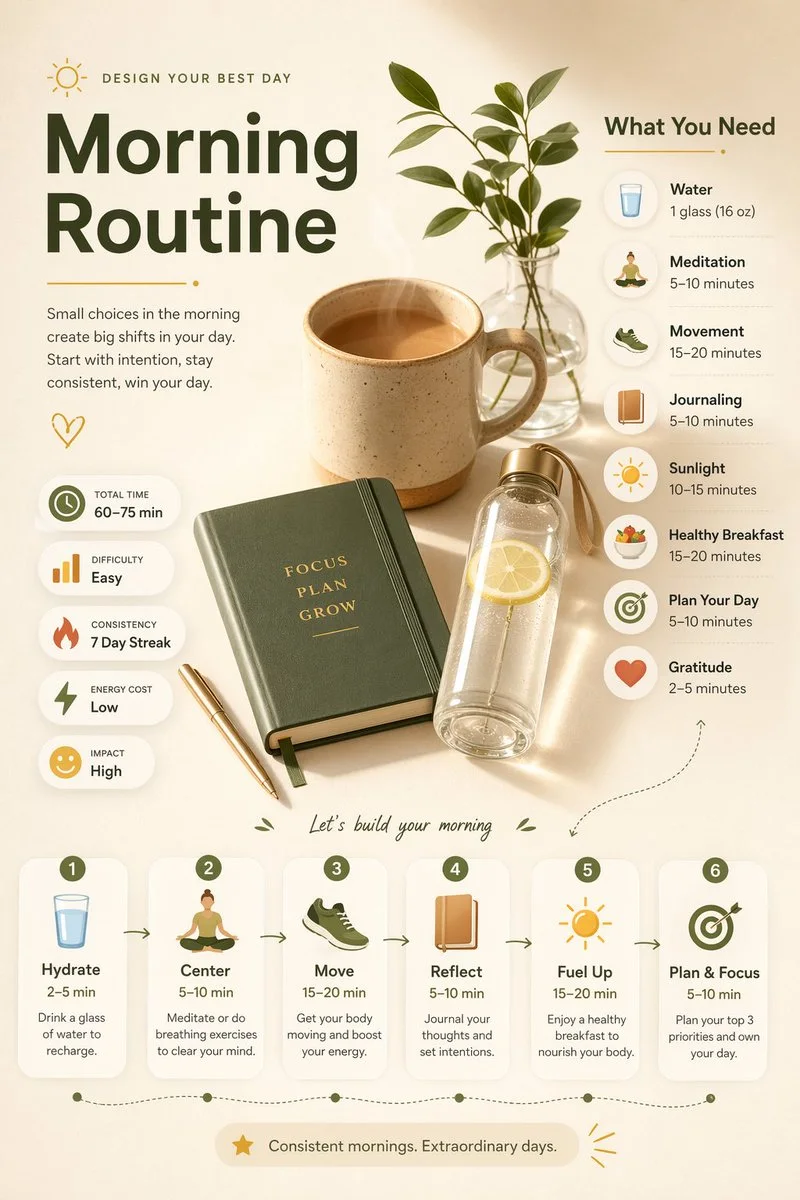
- Routine infographic poster by TechieSAGPT Image 2
- Fountain pen storytelling art by 0x00_KryptNano Banana Pro
- Girl stepping out of a notebook by OogieNano Banana Pro
- Handheld travel vlog by BubbleBrainSeedance 2.5
- Fox self-filmed stream walk by Mr DasSeedance 2.5
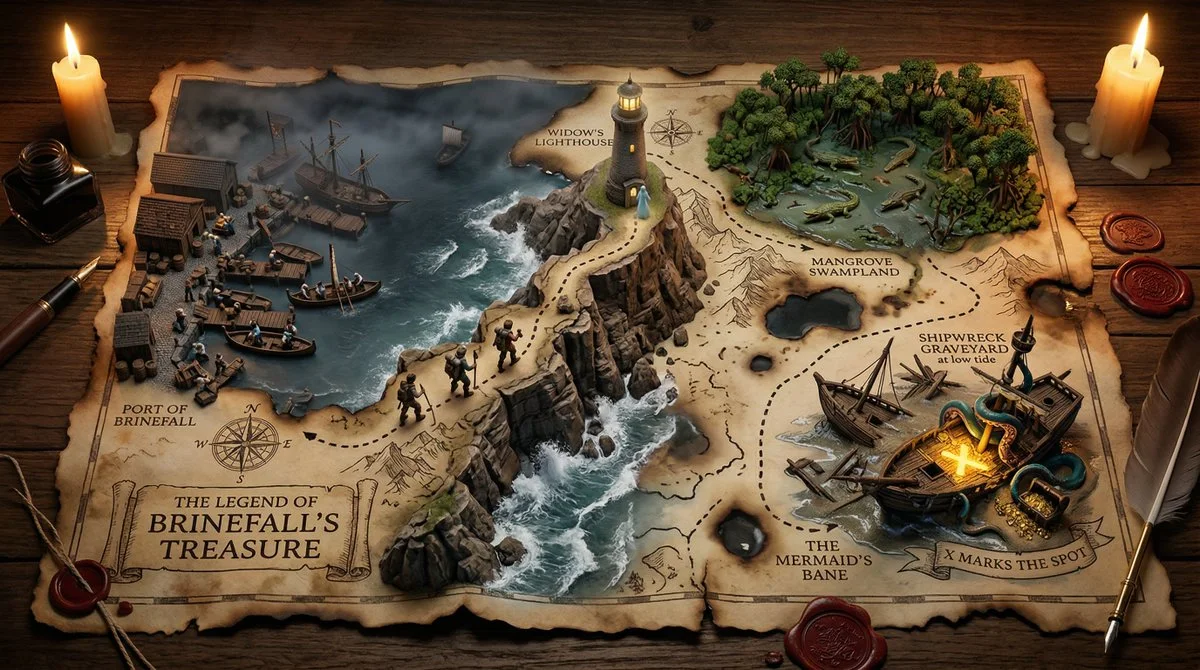
- Treasure map comes alive by Alexandra AislingNano Banana Pro
- View through a glass floor by Christopher FryantNano Banana Pro
- Chasing a windblown sock by KSeedance 2.5