GPT Image 2
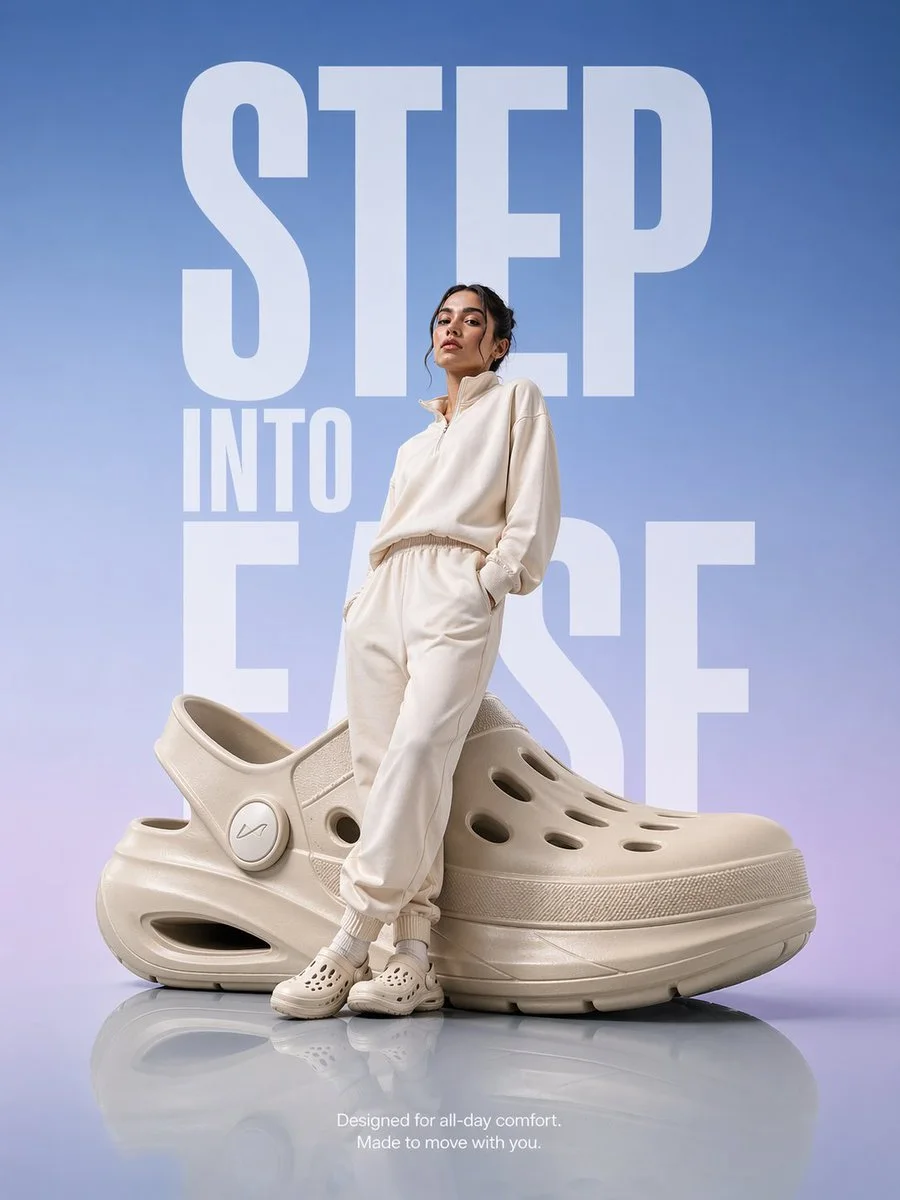
Prompt-led creation and image editing. OpenAI’s image model. It follows long, detailed prompts closely, renders readable text and edits existing images well. A good pick for product shots with headlines or labels.
Open Image CreatorSelect GPT Image 2 in the creator. Available settings and token costs appear before generation. Shown: a community template created with GPT Image 2.
 Made with AI
How to use GPT Image 2.
01
Open the Image Creator and pick GPT Image 2
02
Write a prompt, add your product or start from a template
03
Generate and send the ad to Meta Ads as a draft
A new idea
starts here.
Find inspirationFrom our Templates collection · Creator credits
- Premium product spotlight by M-studioAiGPT Image 2