
What a UGC style ad is
UGC means user generated content: videos that look like a customer made them, not a studio. In the feed they read as a post from a person, so people watch them instead of scrolling past. The look is simple: handheld phone camera, natural light, a real room, someone using the product.
AI video models can now make clips in this style from a text prompt or from your product photo. That makes it cheap to test many ideas and keep only the ones that sell.
Step 1: Pick a starting point
You can start in two ways. Either open a template, which is a finished clip made from a real ad that went viral, and swap in your product. Or start from scratch with your own product photo, which keeps your packaging and colors right.
Step 2: Pick a video model
Different models are good at different things. For UGC style clips these work well in Longneckhorse:
- Kling 3.0 for realistic people and natural movement. See the Kling 3.0 page.
- Seedance 2.5 for handheld, vlog style clips. Many of our UGC templates were made with it.
- Google Veo 3.1 when you want a more polished, cinematic version. See the Google Veo 3.1 page.
- Kling 3.0 Turbo or Wan 2.6 for quick drafts while you try ideas.
The creator shows the credit cost before you generate, so you can try a cheaper draft first and make the final version with a stronger model.
Step 3: Write the prompt like a phone video
Describe what a phone camera would see, not what a film crew would shoot. Say who is in the shot, where they are, what they do with the product and how the camera moves. Words like handheld, selfie, natural light and slight shake push the model toward the UGC look.
An example prompt:
Handheld selfie video of a woman in her bathroom in the morning, natural window light, she holds a small white serum bottle up to the camera, smiles and applies two drops to her cheek, slight camera shake, vertical phone video.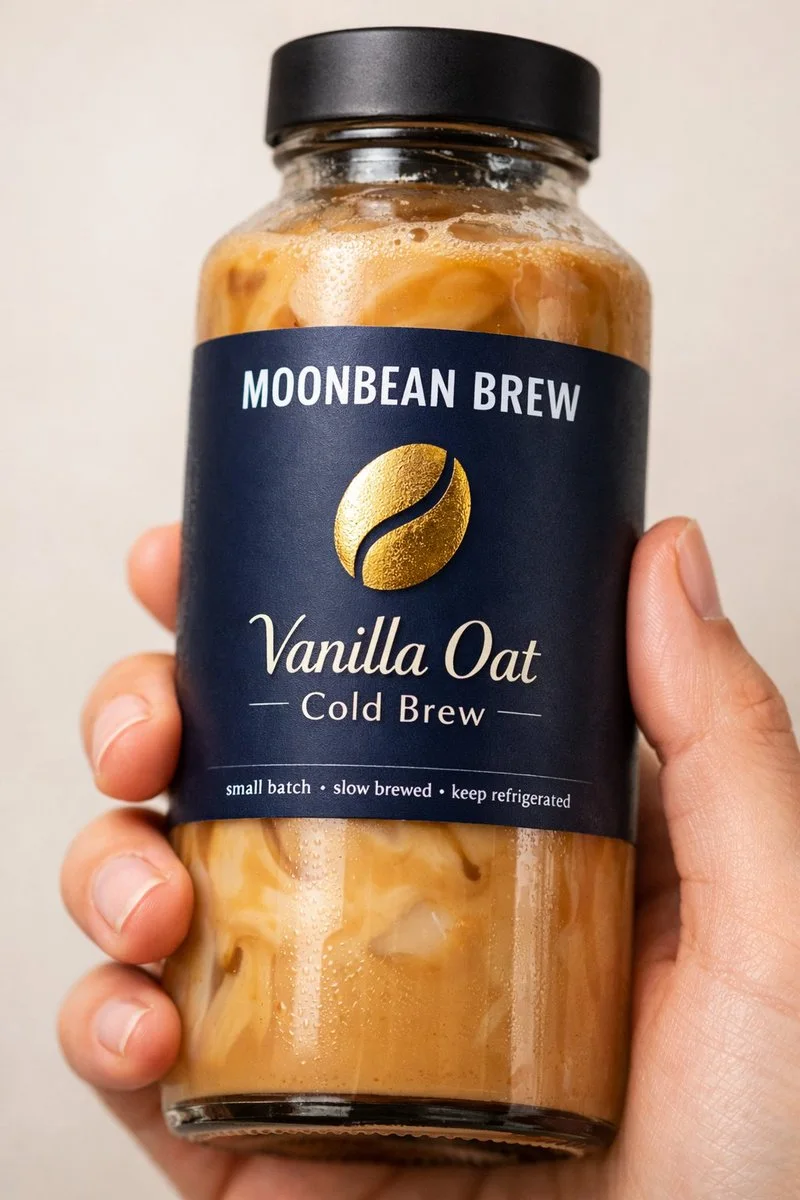 Made with AI
Step 4: Start from your product photo
If the product has to look exactly right, use image to video. Upload a clean photo of the product, or a photo of a person holding it, and describe the movement. The model animates your photo, so the label and colors stay closer to the real thing than with a text prompt alone.
Step 5: Pick the format and length
For Reels and Stories pick portrait 9:16. Keep text and the product away from the bottom third, where Meta places the call to action. Clips are short, usually 5 to 10 seconds depending on the model, which suits UGC ads: the first second decides whether people keep watching.
Step 6: Make several versions
Make three to five clips with different openings: a close-up of the product, a person reacting, an unboxing. Small changes in the first second often make the biggest difference.
Step 7: Launch and keep what sells
Send the clips to Meta Ads from the same screen. Longneckhorse creates the ad as a draft, so you check budget and audience in Meta before anything runs. Connect your store and after a few days you see which clip brought sales, not only clicks, and you can drop the rest.
Tips that make AI UGC feel real
- Use ordinary places: a kitchen, a car, a bathroom mirror. Perfect studios look like ads.
- Ask for imperfect camera work: handheld, slight shake, quick zoom.
- Show the product in use within the first two seconds.
- Keep people natural: everyday clothes, real reactions, no posing.
- Do not make it look like a real customer review if it is not one. Use the clip to show the product, not to invent a testimonial.